
Product features
Field documentation and project communication for installation teams.
The complete field record—without the cost and complexity of enterprise construction software.
Project workspace
One workspace that keeps every project in order.
Open a project and see where the work stands—overview and dashboard, project information, users, and the people you report to.
- Dashboard and overview with project status at a glance
- Project information and project users in one place
- Contacts grouped by Client, GC, and Internal
- Client representatives kept alongside the project
Areas & floorplans
Track completion room by room, floor by floor.
Break the project into the areas your team actually works—rooms, floors, units, or zones—and watch completion move as documentation comes in.
- Areas by room, floor, unit, or zone
- Completion % tracked per area
- Floorplans associated with areas
- Project files and planning documents on hand
Daily & completion documentation
Capture the day’s work with the sections that matter.
Daily documentation is organized around the field: Progress Today, Completed Areas, Issues / Blockers, Safety / Incidents, Deliveries Received, Notes, and Photos—each entry tied to an area.
- Exact daily sections your crew already thinks in
- Every entry has an area, a note, and photos
- Completion documentation for a clean handoff
- Nothing rewritten from memory after hours
Issue tracking
Keep ongoing items from slipping through the cracks.
Track blockers, punch items, damages, and waiting items with a title, type, status, area, due date, notes, photos, and a full update history.
- Types: Issue, Blocker, Punch, Waiting
- Statuses: Open, Blocked, Resolved
- Area, due date, notes, and photos on every item
- Full update history for accountability
Deliveries, safety & notes
The details that protect the project, on the record.
Deliveries, safety, and notes are structured project records captured with the day’s documentation—each tied to an area with notes and photos.
- Deliveries Received logged as they arrive
- Safety / Incidents noted where they happen
- Notes kept against the right area
- Photos attached to every entry
Photos & Photo Emails
Every jobsite photo, organized and ready to send.
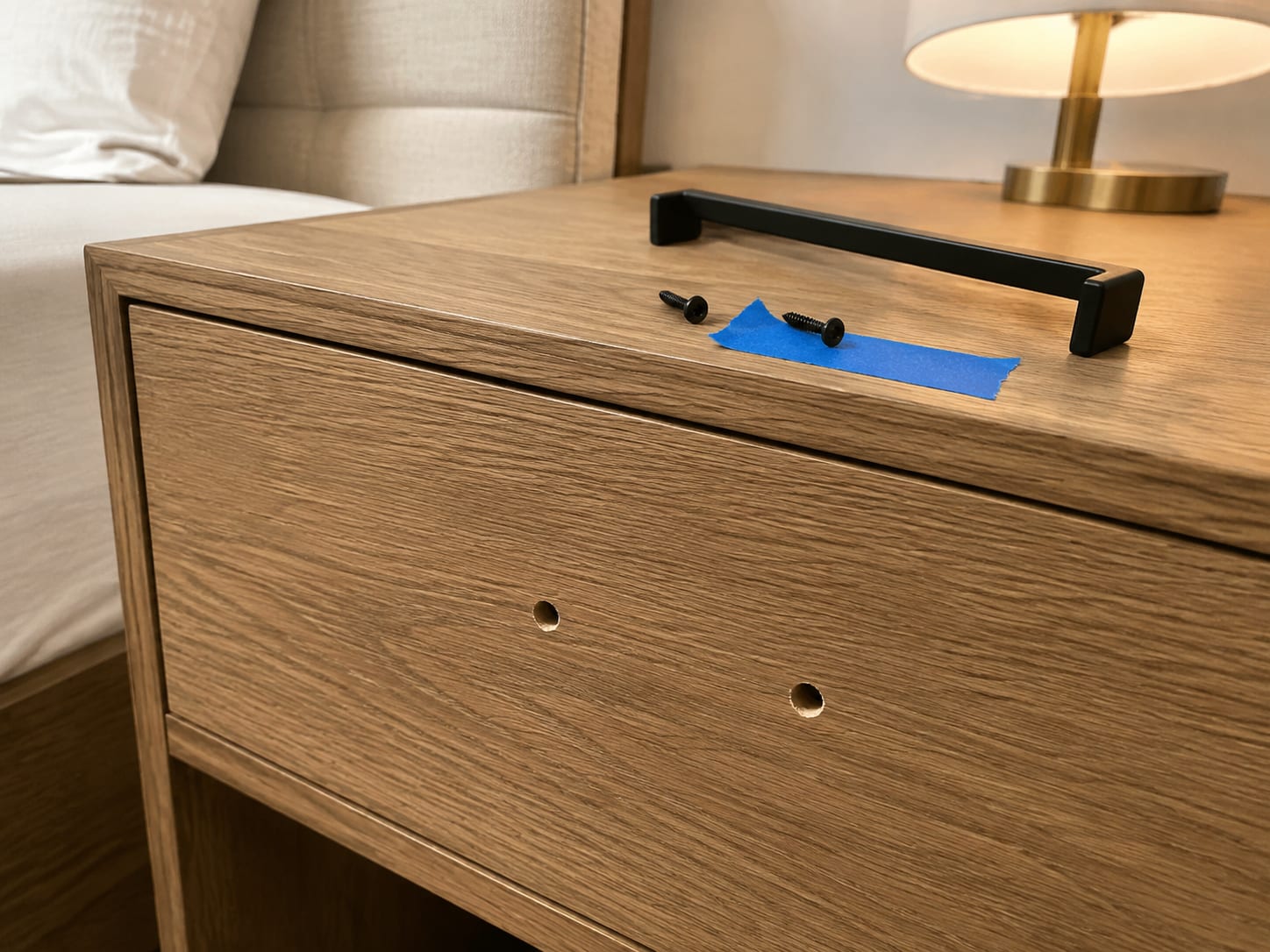
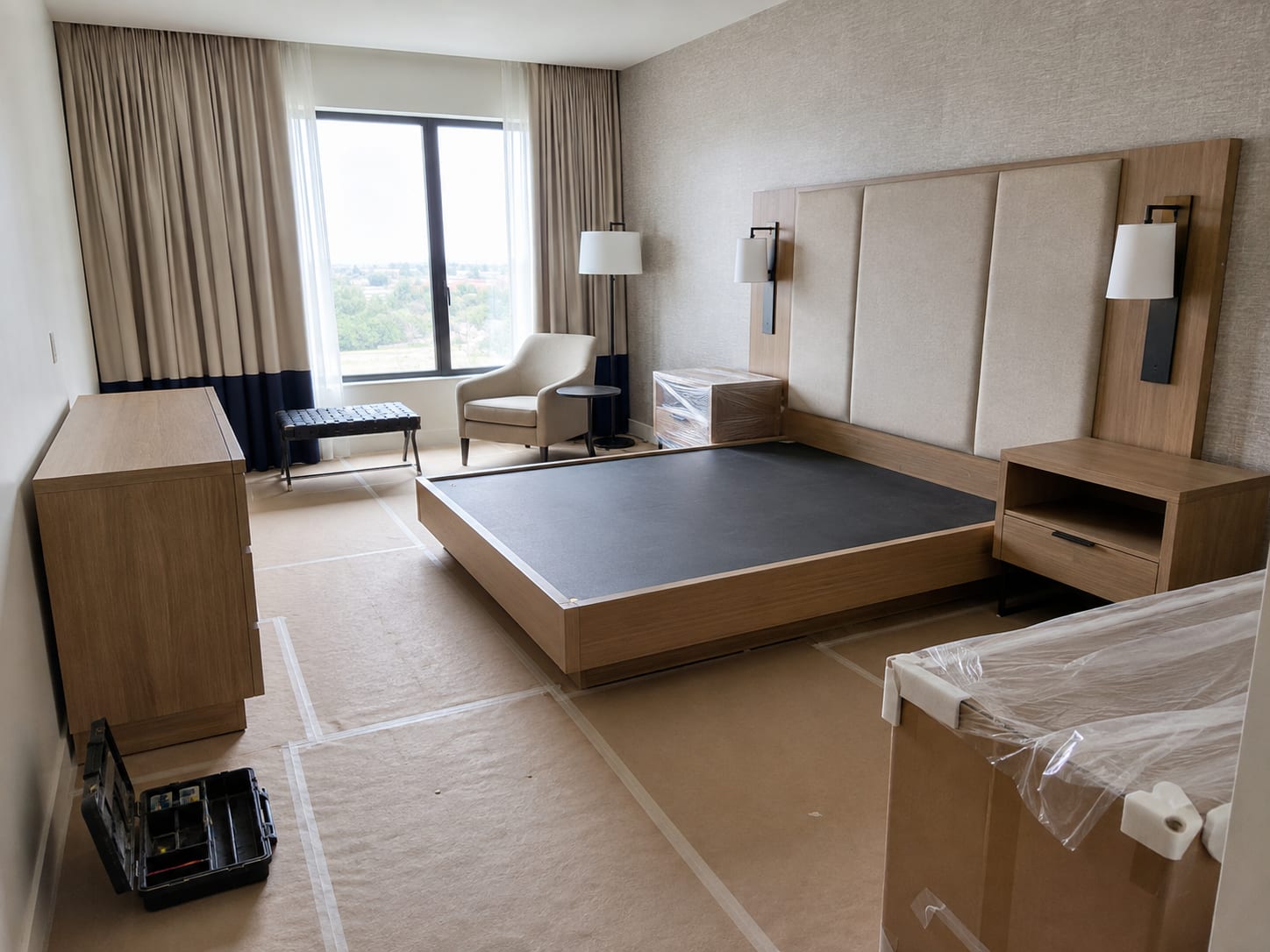
Photos are auto-organized from daily documentation and issue updates. Filter, multi-select, and send the ones you need by email—Photo Emails, not reports.
- Filters: Today / This Week / All, All Areas, All Sources
- Each photo carries name, area badge, source, and capture date
- Multi-select and send by normal email
- Photos arrive as downloadable attachments (oversized sets get a sign-in-protected download link)


Files & project chat
Plans, documents, and team conversation in context.
Keep planning documents and project files where the work lives, and coordinate with a team-only project chat.
- Project files and planning documents per project
- Team-only project chat
- Notes entries kept with the project
- Clients cannot edit or chat
Reports & client sharing
Client-ready proof, sent in a couple of clicks.
Generate branded PDF Daily, Completion, and Issue Reports, email them to project contacts, or share a public client-viewer link that clients open free.
- Branded Daily, Completion, and Issue Reports
- Built-in report emailing to project contacts
- Public browser client-viewer links (/r/…) with no client account required
- Clients view free—no account, no editing
Anywhere access
Document from the phone, tablet, or desktop.
Reporza is a responsive web app that works across devices and installs to the home screen as a PWA—so the field record travels with the crew.
- Mobile, tablet, and desktop responsive web app
- Install to home screen (Add to Home Screen)
- Same workspace on every device
- Built for capturing work on the spot
Workspaces & permissions
Your company’s projects stay your company’s.
Company workspaces keep data company-scoped, with admin and member roles that control who manages the company and who documents the work.
- Company workspaces with company-scoped data
- Admin and member roles
- Control who manages vs. who documents
- Client viewers are always free
Everything your field team needs to prove the work.
Start the project, document the field, and send the proof—all in one simple workspace.